Setup
Installation
Visit the release page on GitHub:
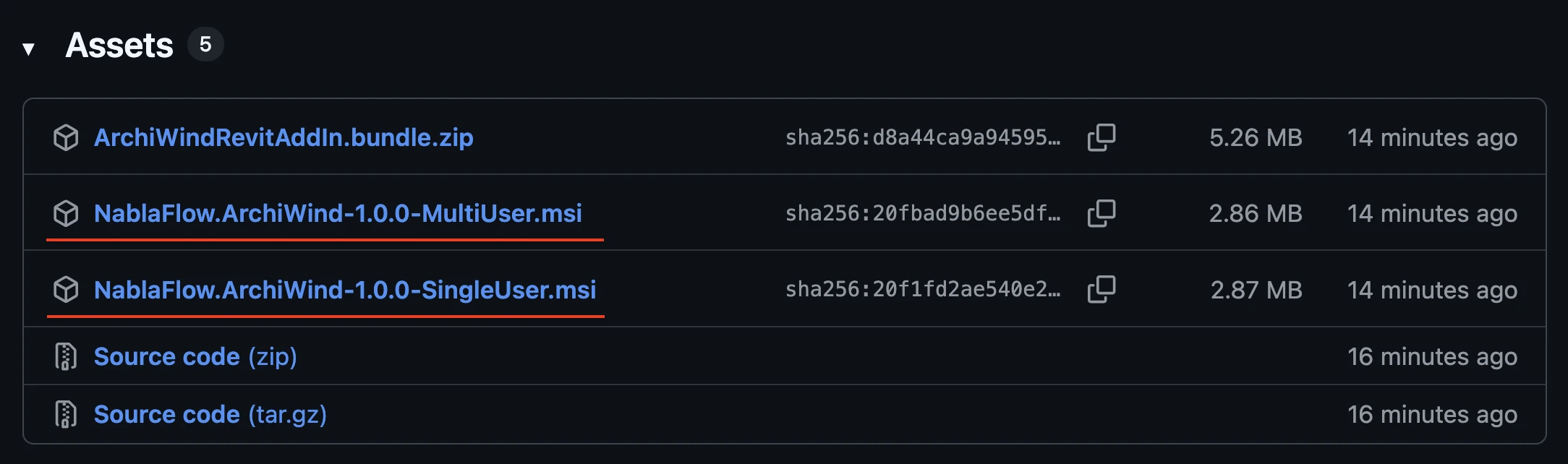
- The single user setup means only your Windows user will be able to use our ArchiWind plugin.
- The multi user setup means every Windows user will be able to use our ArchiWind plugin.
ℹ️
If you are not sure, use the single user setup.
Make sure you have the correct .NET runtime installed, according to your Revit version:
- Revit 2023-2024: .NET Framework 4.8 (or via console
winget install Microsoft.DotNet.Framework.Runtime) - Revit 2025-2026: .NET 8.0 (or via console
winget install Microsoft.DotNet.DesktopRuntime.8) - Revit 2027: .NET 10.0 (or via console
winget install Microsoft.DotNet.DesktopRuntime.10)
Authentication
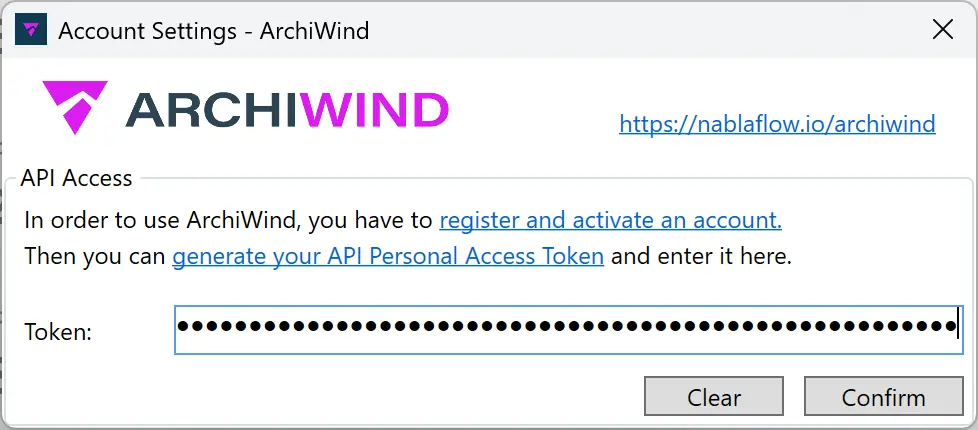
- Generate an API token with read/write capabilities.
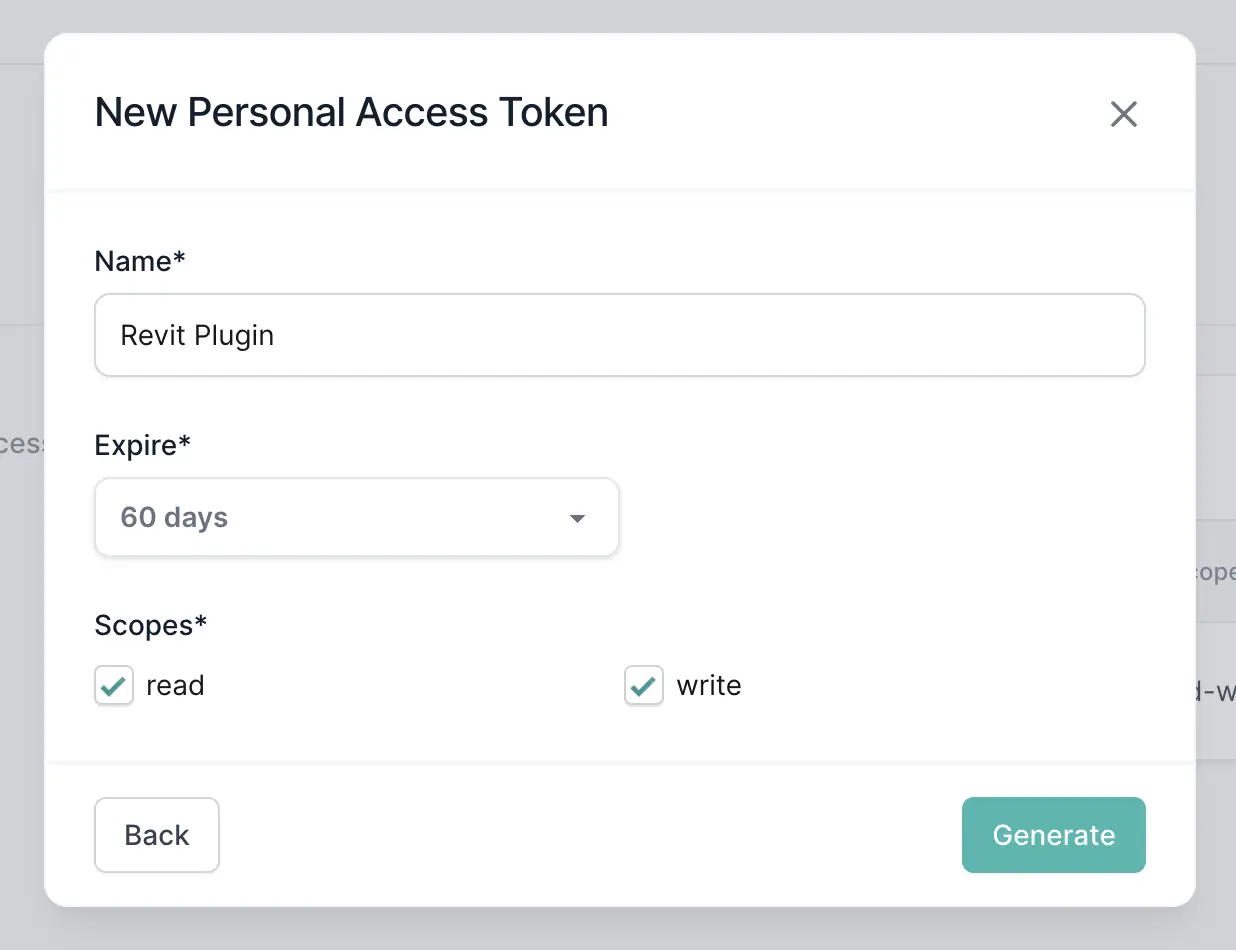
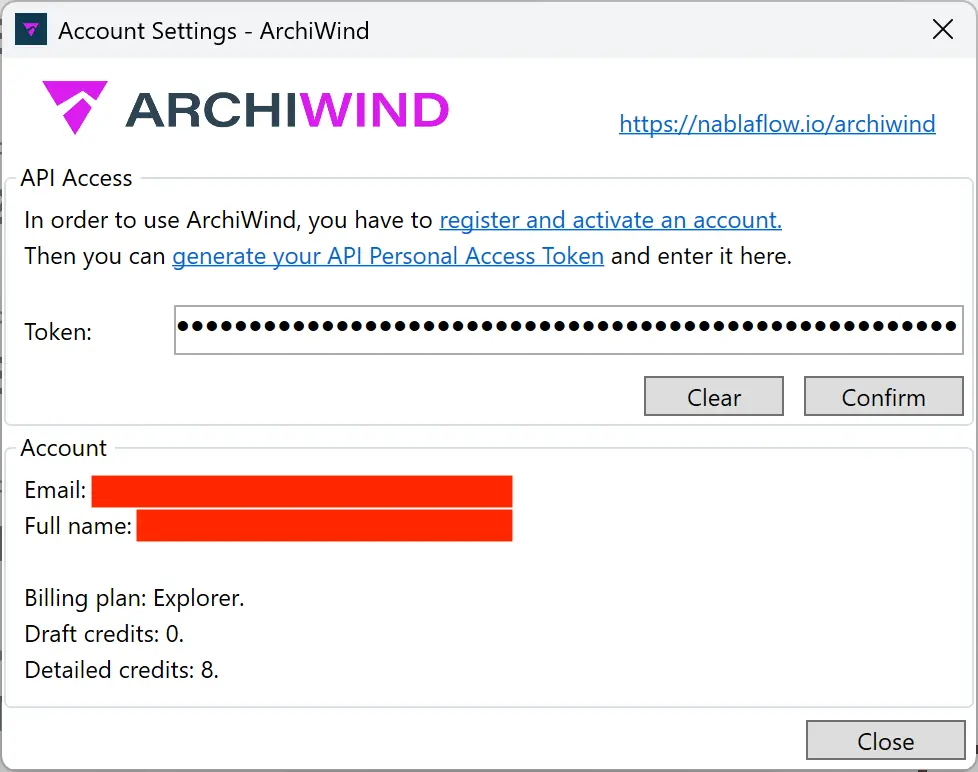
- Open “Account Settings” and paste it in.